
A team, not a ladder
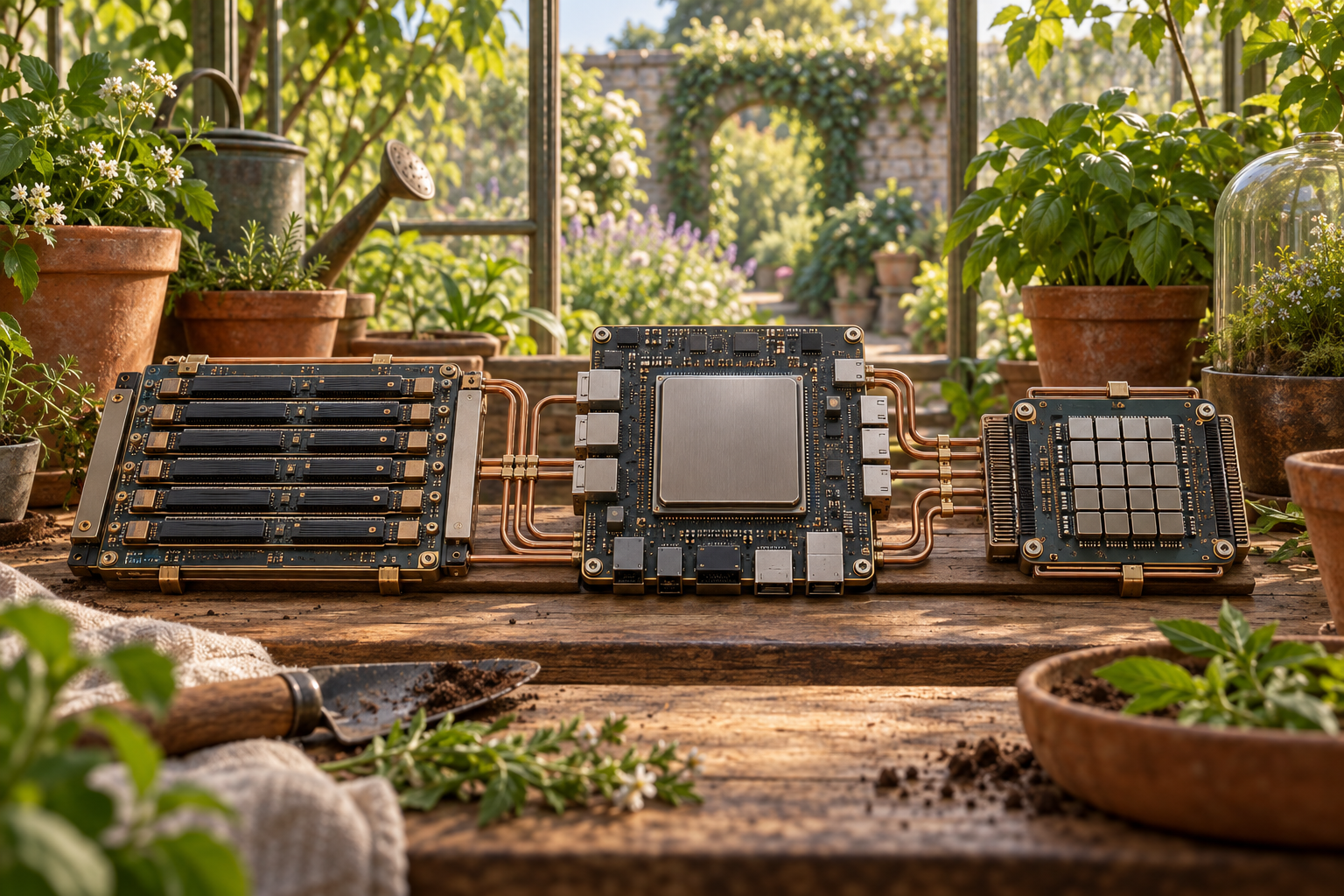
A CPU, GPU and NPU are not three rungs on a ladder from slow to fast. They are processing engines with different strengths. A modern computer may use more than one of them to finish a single job.
The simplest summary is this: the CPU is the flexible generalist, the GPU handles large amounts of work done at the same time, and the NPU specialises in neural-network calculations, the maths inside many AI models. The boundaries overlap, so each description names a strength, not a job that only one processor can do.
The CPU: built for flexibility
The central processing unit executes the instructions that make up software. It loads an instruction, works out what it means, carries it out and stores the result. Its cores, the working parts that carry out instructions, are designed to deal with many kinds of work, including instructions that branch between paths or change steps along the way.
That makes the CPU well suited to running the operating system and opening an application. It also coordinates work sent to other processors. Modern CPUs have several cores and can run tasks in parallel, so it would be wrong to say they only do one thing after another. Their advantage is flexibility.
The GPU: built for work that spreads out
The graphics processing unit was created to draw images. A screen contains many pixels that need similar calculations, so a GPU uses many smaller execution units, simple working parts, to work on lots of data at once.
The same design is useful far beyond graphics. Scientific simulations and neural networks can contain large blocks of parallel maths. Training a large AI model is a common GPU job because it means doing a huge number of calculations at the same time.
A GPU is not automatically faster than a CPU. Its advantage appears when a task can be divided into enough parallel pieces to keep those execution units busy. Small jobs that change often or where each step has to wait for another may gain much less.
The NPU: built for neural networks
The neural processing unit is a specialised accelerator: a part built to speed up the maths used by neural networks. Designs differ between manufacturers, but they commonly focus on operations such as matrix multiplication and convolution—two ways of working through many numbers—along with moving model data efficiently through the chip.
This narrower focus can reduce the energy needed for a supported AI task. Inference means using an already-trained model to produce a result, such as recognising speech or improving a video call. In laptops and phones, this energy saving makes an NPU useful when this neural-network inference runs repeatedly or in the background.
An NPU is not a more powerful replacement for every CPU or GPU job. It is a specialist. A GPU is still often the more important accelerator for training large models, while a CPU or GPU can also run inference.
The software has to choose it
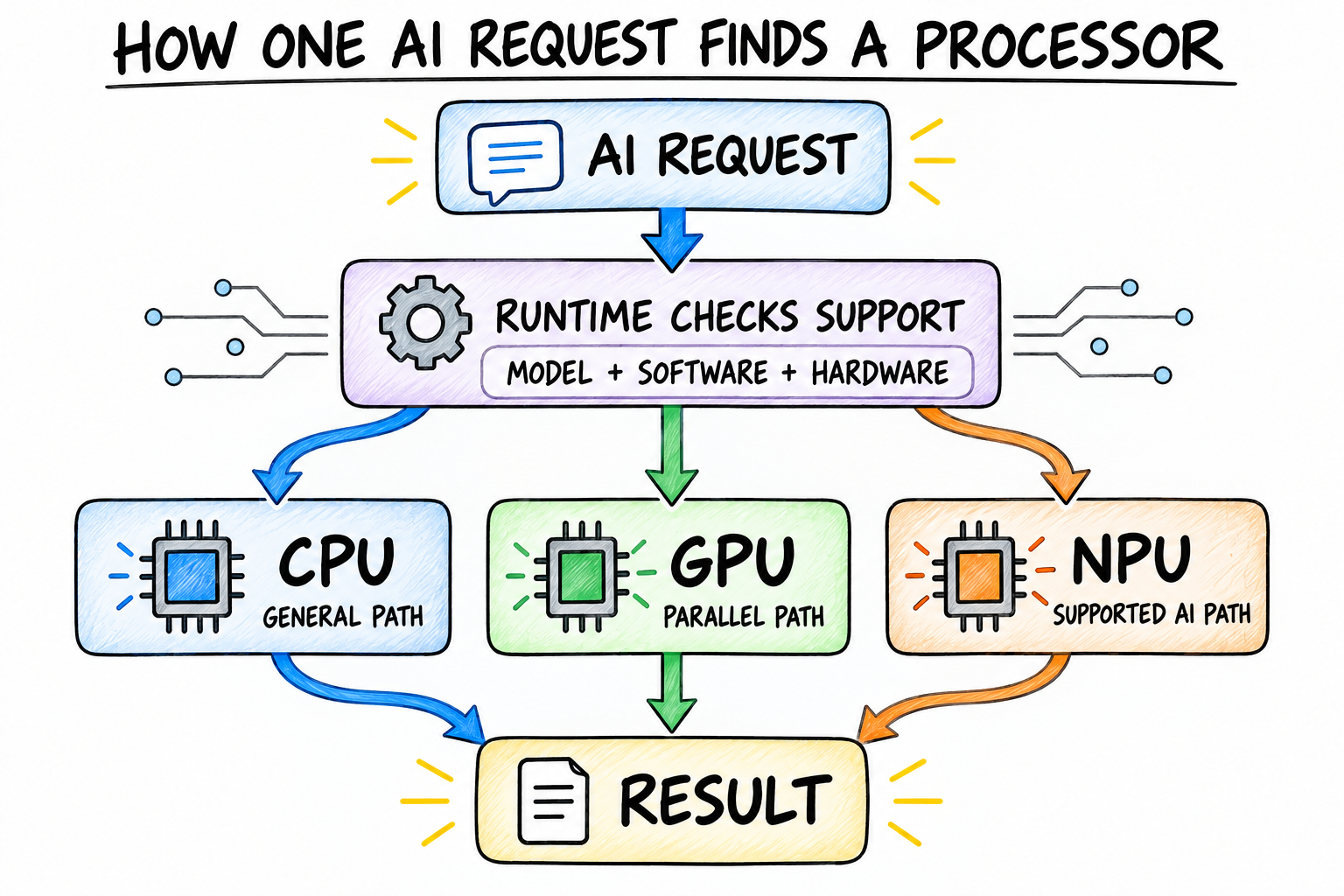
Putting an NPU in a computer does not make every AI application faster. The model must use operations and number formats, the ways numbers are stored, that the NPU supports. The application also needs a compatible runtime and driver, the behind-the-scenes software that sends work to that chip.
That choice happens in a software layer most people never see. The infographic follows one AI request through that layer. Its three branches are possible paths, not a priority order, and a real application may divide its work differently.
Start with the job
For general-purpose computing, start with the CPU. For games, 3D rendering and large parallel workloads, pay close attention to the GPU. For repeated local AI features where battery life matters, check whether the applications you use actually support the NPU.
There is no single winner. The useful comparison is how each processor handles the exact task you care about: its speed, its power use and its software support. CPU for flexible computing, GPU for lots of work done at once, NPU for speeding up neural-network work as a specialist: that is the map, not a ranking.